 Skip to content

Choose by what you want to do
| I want to… | Choose | What connects |
|---|---|---|
| Control my computer, media, apps, and shortcuts |  |
iPhone or iPad to Mac or Windows with Remote Helper |
| Use just a wireless trackpad and keyboard |  |
iPhone or iPad to Mac or Windows with Remote Helper |
| Control my TVs and streaming devices |  |
Apple devices to supported TVs on the same network; no helper |
| Add a number pad or custom shortcut keys |  |
iPhone or iPad to Mac or Windows with Remote Helper |
| Browse computer files, stream media, and save files offline |  |
iPhone, iPad, or Apple TV to Mac or Windows with Remote Helper |
| Enter notation in Sibelius |  |
iPhone or iPad to an existing Sibelius desktop setup |
| Use a touch keypad with my existing Finale setup |  |
iPhone or iPad to an existing Finale desktop setup |
| Review and manage Apple Ads campaigns |  |
Your Apple Ads account with API access |
| Get Apple Watch battery reminders |  |
iPhone and Apple Watch; requires a watch-face complication |
| Review localization files on Mac |  |
A standalone Mac workspace; no helper |
Remote Mouse & Keyboard or Mouse · Keyboard?
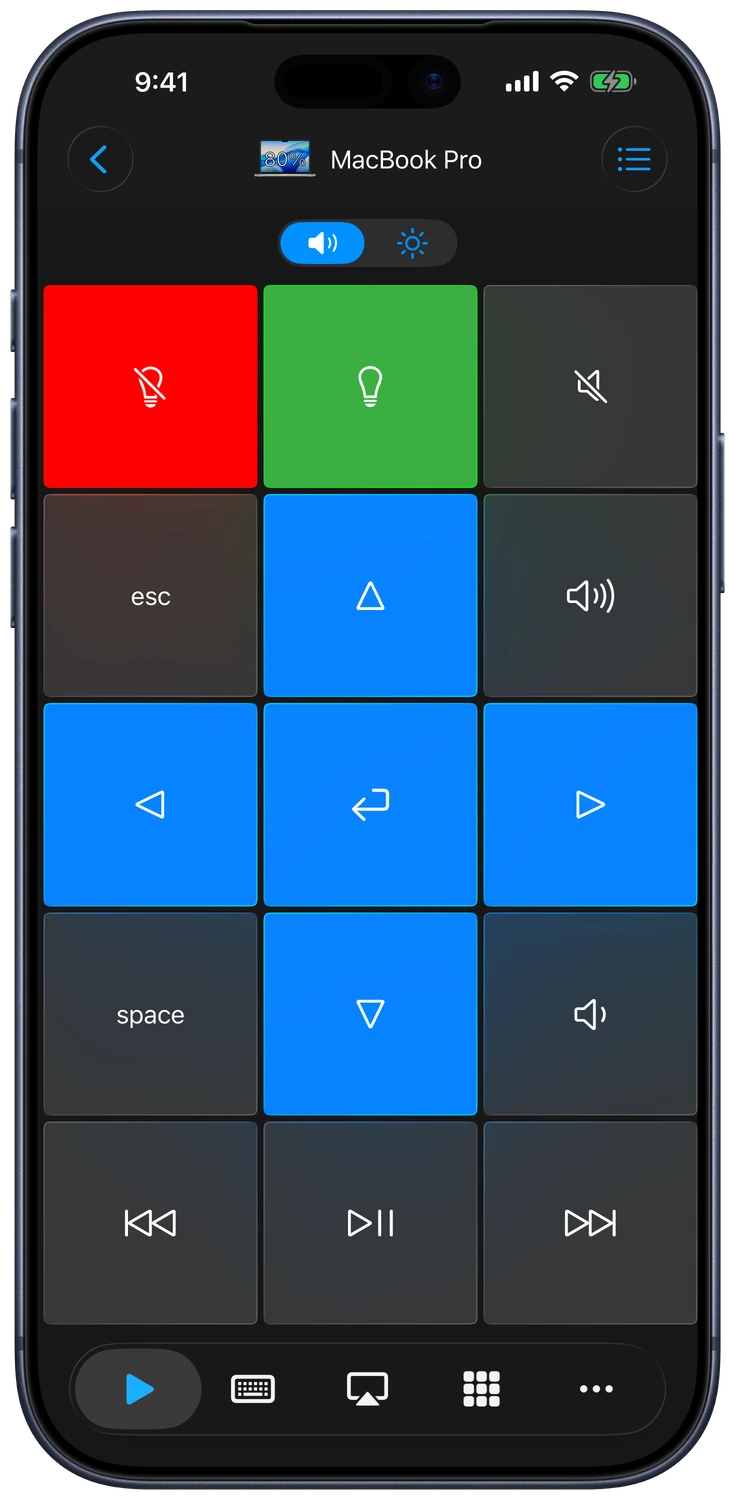
Control your computer, media, apps, and shortcuts.
Use just a wireless trackpad and keyboard.
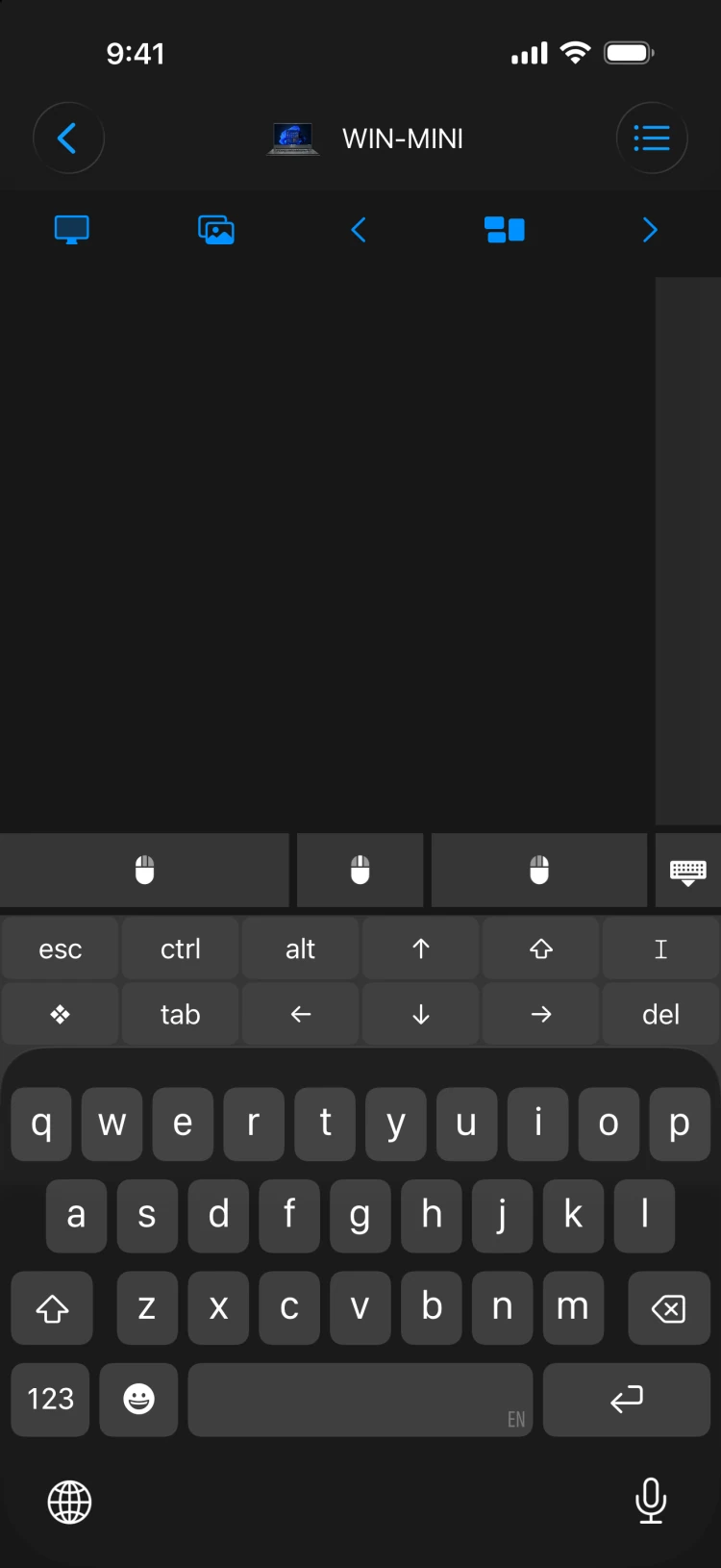
Mouse · Keyboard focuses on trackpad and keyboard input. Remote Mouse & Keyboard adds media controls, custom keypads, app actions, and automation features. It also has separate pairing flows for supported TVs and another iPad.
Choose the focused app for everyday pointing and typing. Choose the broader remote when you want more of your computer’s controls at hand.
Remote Control for TV or the computer remote?
Remote Control for TV is dedicated to TVs and streaming devices, with apps for iPhone, iPad, Apple Watch, and Mac. Remote Mouse & Keyboard centers on computer control and also supports direct TV connections.
TV functions depend on your brand, model, and settings. Use the compatibility guide to check text entry, power, volume, app launching, and input switching.
Do I need Remote Helper?
Install Remote Helper on the computer you want to control. It is used by our computer remote, input, and keypad apps. File Explorer & Player uses it to browse Mac or Windows files; Windows requires helper version 2026.12 or later.
TV pairing, SearchAds Manager, Watch Battery Monitor, and 18 Strings do not need Remote Helper.
Where are the Pro editions?
Three product families have separate Pro App Store listings:
Current prices and purchase options appear on each listing. If you already purchased an app or upgrade, use the edition you originally bought and its Restore Purchases option where available. Contact support if you are unsure which edition you own.