 Skip to content

Use this guide to connect Roku TV or a Roku streaming device to Remote Control for TV, the iPhone and iPad TV remote app.
How to Connect Roku
- Make sure your iPhone or iPad and Roku device are connected to the same network.
- As of Roku OS 14.1, Settings > System > Advanced system settings > Control by mobile apps must be set to “Enabled”.
- Return to the Roku Home screen and let the app discover the device.
What the app supports after pairing
- Full remote controls for navigation and playback.
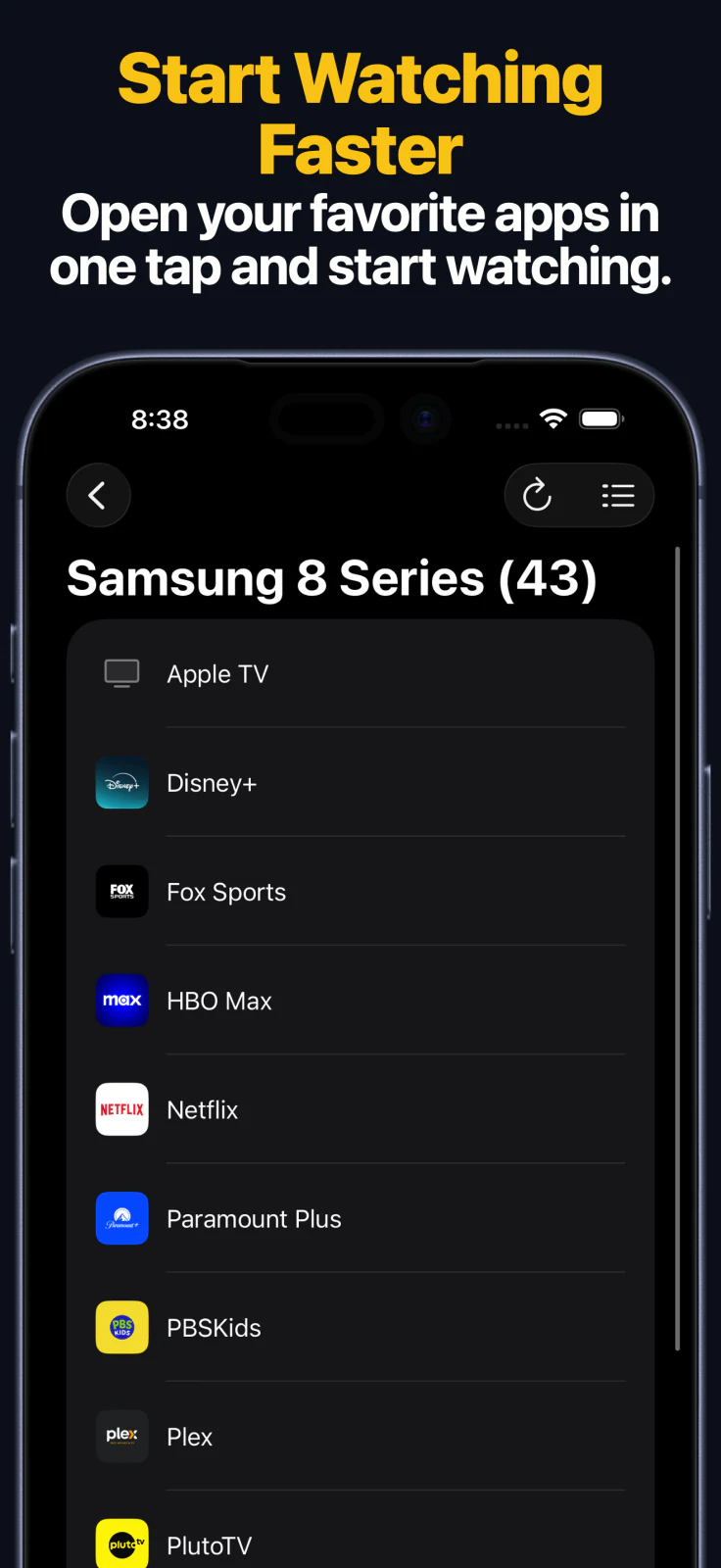
- Launching channels and apps directly from the app.
- Typing searches and sign-in text from your iPhone or iPad.
- Direct HDMI and input switching on supported Roku devices.
- Apple Watch access for quick keypad control and app launching on supported Roku devices.
- macOS control for the same saved Roku device from your Mac.
- Home Screen widgets and Siri Shortcuts or App Intents on supported devices.
Apple Watch, Mac, and Siri
- The Apple Watch app supports keypad control and app launching on supported Roku devices.
- The macOS app can control the same saved Roku device from your Mac, including remote keys, text entry, and app launching.
- Siri Shortcuts and App Intents can send remote keys and launch apps on supported Roku devices. If your Roku TV keypad includes HDMI keys, those actions can also be used in shortcuts.
Common Roku Connection Problems
If you cannot connect to your TV
- Re-check that Control by mobile apps is set to “Enabled”.
- Keep Roku awake on the Home screen while discovering it.
- Make sure both devices are on the same local network.
- Guest, hotel, school, or other isolated networks can block discovery between devices.
Roku FAQ
Can I launch Roku channels from the app?
Yes. On supported Roku devices, the app can launch channels and apps directly.
Can I switch HDMI inputs on Roku TV?
Yes. Direct input switching is available on supported Roku TVs.
Can I control Roku from Apple Watch, Mac, or Siri?
Yes. After pairing on iPhone or iPad, supported Roku devices can also be controlled from Apple Watch, the macOS app, widgets, and Siri Shortcuts or App Intents.
Common questions
Why can't the app find my Roku device?
Most Roku discovery issues come from different Wi-Fi networks, disabled Control by mobile apps settings, or guest and isolated networks.
Do Roku devices use a PIN during pairing?
Roku setup usually depends on the mobile app control setting rather than a PIN prompt.
What can I do after connecting Roku?
After connecting, the app supports remote controls, channel and app launching, text input, direct input switching on supported Roku devices, Apple Watch keypad and app launching, macOS control, widgets, and Siri Shortcuts or App Intents for supported remote and HDMI key actions.