 Skip to content

Remote Mouse & Keyboard turns your iPhone or iPad into a wireless mouse, trackpad, keyboard, and media controller for Mac. It is useful for couch control, presentations, Mac mini setups, studio computers, and any Mac connected to a larger display.
Quick Answer
To use iPhone as a mouse for Mac, install Remote Mouse & Keyboard on iPhone, install the free Remote Helper app on the Mac, put both devices on the same Wi-Fi network, then connect from the app. You can use trackpad gestures, mouse clicks, keyboard input, media controls, app launching, and custom keypads.
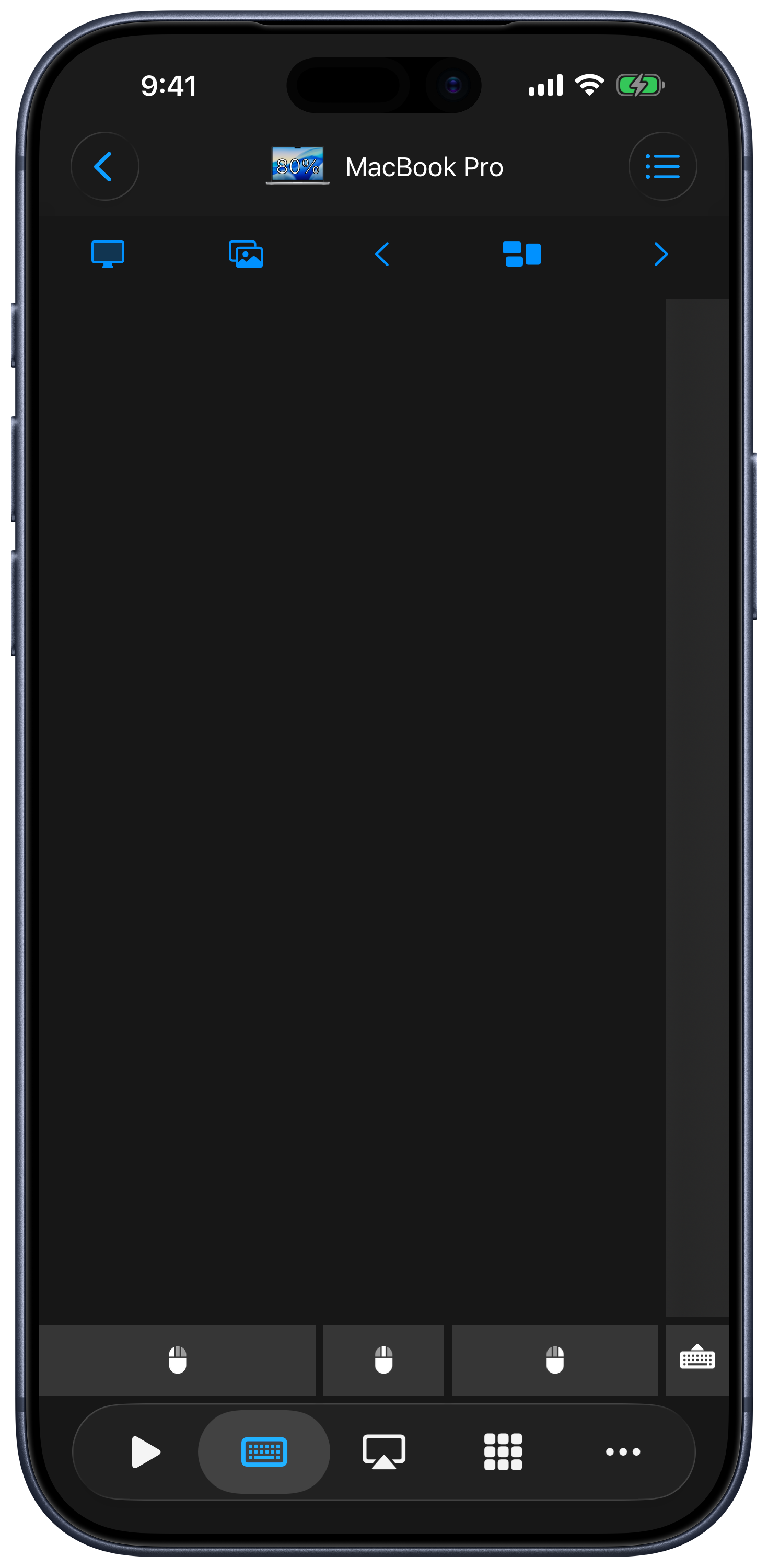
Mac Remote Mouse Features
- Trackpad and mouse control from iPhone or iPad.
- Left click, right click, middle click, scrolling, and drag gestures.
- Keyboard input for typing on the Mac.
- Media keys, volume, brightness, and system controls.
- App launching and menu commands where supported.
- Custom keypads for shortcuts, scripts, and workflows.
How to Set It Up
- Install Remote Mouse & Keyboard on iPhone or iPad.
- Install the Remote Helper app on the Mac from rs.ltd/get.
- Connect both devices to the same Wi-Fi network or personal hotspot.
- Open the iPhone app and choose the Mac.
- Use the trackpad, keyboard, media controls, and keypads.
For connection help, open the connection guide. For detailed mouse and keyboard controls, open the input guide.
Good Mac Use Cases
- Control a Mac mini connected to a TV.
- Run slides from across the room.
- Control music, video, or browser playback from the couch.
- Type searches or passwords without using a physical keyboard.
- Trigger shortcuts, AppleScript actions, or custom keypads.
iPhone Mouse for Mac FAQ
Does this replace a Bluetooth mouse?
For many couch, presentation, and media-control workflows, yes. It is a network remote rather than a direct Bluetooth mouse, so both devices need a shared network or personal hotspot.
Can iPad work as a Mac trackpad too?
Yes. iPad can use the same app as a larger wireless trackpad and keyboard for Mac.
Is the helper app required?
Yes. The Mac helper app receives the local network commands and lets the iPhone or iPad control mouse, keyboard, media, app, and system actions.
Common questions
Can I use my iPhone as a mouse for Mac?
Yes. Remote Mouse & Keyboard turns iPhone or iPad into a wireless trackpad, mouse, keyboard, and media remote for Mac.
Does it need Bluetooth?
No. The standard connection uses the local network through Wi-Fi or a personal hotspot with the Remote Helper app.
Can I type on my Mac from iPhone?
Yes. The app includes keyboard input, text entry, media keys, app actions, and custom keypads.